
ERP and ecommerce: who owns which data, and how to connect the two
ERP and ecommerce projects often go wrong on a question nobody asked: which system is right when the two disagree. Here is how to assign ownership, choose a pattern, scope the first flow and recognise when not to integrate yet.

Short answer
An ERP ecommerce setup works when every type of data has one owner: usually the ERP for prices, stock, customer terms and invoices, the store for the cart, the checkout and the order until it is accepted, and a PIM or the ERP for product content. Choose the integration pattern by what must happen when something fails: a point-to-point connector for one store and a standard process, middleware or an iPaaS for several systems, and queues with retries when a lost order costs real money. Cost follows the number of data flows, their direction and their timing, not the ERP brand. If your data changes rarely or your process is still changing, start with a file import.
What does an ERP do in ecommerce, and what does the store do?
In ecommerce, the ERP is the system of record for finance, stock, purchasing and commercial terms, and the store is where the sale happens: the offer, the cart, the checkout and the customer account. Shopify’s guide What Is an ERP? puts the split in one line: “The ERP holds the records; the commerce platform sells from them.”
Three other systems often sit between an ERP and a store: a PIM (product information management) holds descriptions and images, a WMS (warehouse management system) runs picking and stock locations, and an OMS (order management system) routes orders between warehouses and channels. In a smaller company, the ERP does all three jobs.
An ERP for ecommerce is not a special product category. Any ERP can serve an online store once it is agreed which system owns which data. This guide covers that agreement and does not rank ERP systems.
Do you need to connect your ERP and your store yet?
You need to connect your ERP and your store when data that changes all day, such as stock, orders and customer prices, is retyped by people or is already wrong online. The usual signs: customers buy items that are gone, staff copy every order into the ERP, or B2B buyers see one price online and another on the invoice.
You do not need an ERP integration yet when your data changes in batches, for example a catalog updated once a week, or when retyping a few orders costs less than maintaining a connection. The last section of this guide lists those cases.
Which system should own which data?
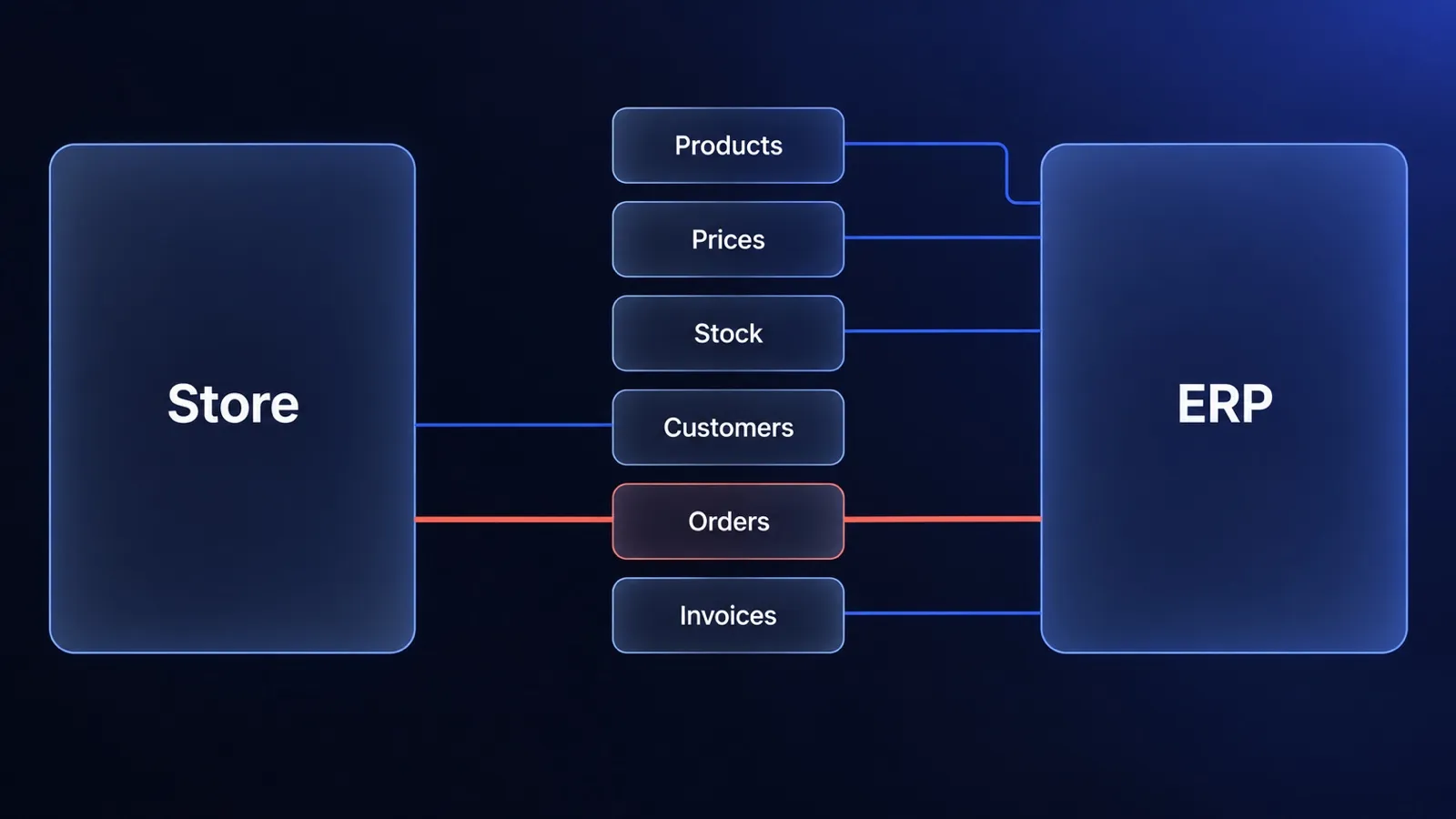
The ERP should own every value that ends up on an invoice or in the warehouse, the store should own what happens before an order is accepted, and no field should have two owners. The table shows the usual split; a company can assign a row differently, as long as each row has one owner.
| Data | Usual owner | What the other system may do | What breaks when both edit it |
|---|---|---|---|
| Product master data (SKU, unit, tax class) | ERP | The store reads it | Order lines the ERP cannot match to an item |
| Product content (descriptions, images) | PIM, or the store without one | The ERP supplies the SKU and name | Descriptions overwritten by a sync |
| Prices and customer price lists | ERP | The store displays them and calculates the cart | One price online, another on the invoice |
| Stock | ERP or WMS | The store reserves stock at checkout | Overselling |
| Customer accounts (logins, addresses) | Store | The ERP holds the matching customer number | Duplicate customers |
| B2B terms (credit limit, payment terms) | ERP | The store enforces them at checkout | Orders on terms finance never approved |
| Orders | Store until accepted, then ERP | The ERP reports status, the store shows it | Two versions of one order |
| Invoices and credit notes | ERP | The store offers them for download | Two numbering sequences |
A PIM for ecommerce pays off when product content goes to several channels; with one store, the store’s admin can own it.
The ownership table answers who wins a conflict. The direction and sync mode of each flow are in the data flow table on our ecommerce ERP integration page.
The order is the one record that changes owner
An order belongs to the store until it is accepted and to the ERP afterwards, so every ERP and store integration needs one named handover moment. In a B2C store the handover is usually the confirmed payment. In a B2B store it is often the approval of the order.
After the handover, the ERP decides what happens to the order: changed quantities, split shipments, cancellations and the invoice. The store shows the status the ERP reports, and a customer’s change to an accepted order goes to the ERP as a request.
Two questions settle any field
Two questions settle the ownership of any field shared by an ERP and a store: who may change this value, and which system is right when the two disagree? If the answer to either question is “both”, the field will drift, because every sync has to guess which change is newer.
Three ERP integration patterns, in plain terms
There are three ERP ecommerce integration patterns, and they differ in where the logic lives and what happens when one system is down. Compare them by how they fail, because all three work on the day of the demo.
Point-to-point connector
A point-to-point connector links the store directly to the ERP through a ready-made plugin or custom code. On a hosted platform the connector is usually a paid app, which is why it appears as the ERP connector line in Shopify Plus pricing.
A point-to-point connector fails when the ERP has been customised, when a third system joins, or when prices depend on the customer and the connector knows one price list. Its most expensive failure is silent: a record that did not sync and that nobody was told about.
Middleware or iPaaS
Middleware, often sold as an iPaaS (integration platform as a service), is a separate layer between several systems that holds the field mappings, configured without writing code. Its price usually grows with what you connect: Celigo’s pricing page shows no prices and says plans are priced by endpoints and flows, while Alumio lists Connect Lite from €499 a month (source, as of 2026-10), a starting price that scales by capacity.
Middleware fails when business rules end up inside a visual tool that nobody owns, or when B2B pricing logic outgrows field mapping. Renting that layer or building your own integration is a case of custom vs off-the-shelf software: rent when your process fits the product.
Event-driven integration with queues
In an event-driven integration, the store emits an event such as “order placed”, the message waits in a queue, and a separate process delivers it to the ERP. The delivery process retries when the ERP does not answer, and delivering the same message twice must not create a second order.
Event-driven integration fits an ERP that is sometimes unavailable or limits API traffic. It fails when nobody watches the queue, when it is built for a dozen orders a day, or when the business cannot accept that the two systems agree after a few seconds and not instantly.
| Pattern | Fits when | Fails when | What you maintain |
|---|---|---|---|
| Point-to-point connector | One store, one ERP, a standard process | Customised ERP, a third system, customer-specific prices | Connector version and mapping |
| Middleware or iPaaS | Several systems or channels | Business rules pile up in a tool nobody owns | Subscription, mappings and flows |
| Event-driven with queues | ERP outages, API limits, order peaks | Nobody watches the queue, or volume is small | Code, queue, monitoring and alerts |
How the event-driven pattern looks on Medusa
Medusa, the open-source commerce engine we build on, provides the parts of an event-driven ERP integration, according to its documentation:
- A workflow is a series of steps, and each step can have a compensation function that undoes the step’s changes when the workflow hits an error.
- A step can be retried a set number of times with a wait between attempts. When the retries run out, the step and the workflow fail: the moment to alert a person.
- A subscriber is an asynchronous function that runs when an event such as “order placed” is emitted, outside the order placement flow.
Medusa’s ERP recipe applies these parts to five cases: product sync, custom prices read from the ERP, purchase restrictions, two-way order sync and stock checks in the ERP. The recipe is a method, not a finished connector. Medusa’s core is MIT-licensed with no licence fee, while RBAC and SSO have been paid Enterprise Edition features since 11 August 2026: see how Medusa workflows work and the licence.
Does the ERP brand change the plan?
The ERP brand does not change the integration pattern; it changes what the ERP exposes to the outside. Ask three questions of any ERP: which API does your version offer and what are its limits, does the ERP run in the vendor’s cloud or on your own servers, and how much has it been customised?
Microsoft Dynamics 365 ecommerce integration
Dynamics 365 is a family of products; for Business Central online, Microsoft documents per-user OData limits: 5 requests processed at the same time, with further requests queued, and 6,000 requests within a five-minute sliding window, above which the API answers with HTTP 429. Microsoft adds that an integration sending every request through one user can reach these limits fairly quickly, so a Dynamics 365 ecommerce integration should queue its calls and retry after a 429.
NetSuite ecommerce integration
Oracle NetSuite limits how many integration requests run at the same time across the whole account: Oracle’s concurrency governance documentation says web services and RESTlet requests share one account limit. Its limits by service tier give a base of 5 concurrent requests on the Standard tier, 15 on Premium and 20 on Enterprise and Ultimate for contracts from June 2020, plus 10 for each SuiteCloud Plus licence. A NetSuite ecommerce integration shares that allowance with every other tool that calls the same account.
SAP ecommerce integration
“SAP” names several different ERPs, so the first question in an SAP ecommerce integration is which one you run. SAP Business One exposes its data through the Service Layer, which SAP’s training material describes as a REST API built on HTTP and OData. SAP S/4HANA is a different product, so an estimate for SAP Business One does not transfer to it.
The same three questions apply to regional systems such as Comarch ERP and JTL-Wawi. Their interfaces depend on the product line and version, so start from the vendor’s documentation for the version you run.
What drives the cost of an ERP ecommerce integration?
Five things drive ecommerce ERP integration cost: the number of data flows, their direction (one-way or two-way), how close to real time they run, error handling with monitoring, and how customised the ERP is together with the quality of its API. A sixth driver is easy to forget: maintenance on both sides, because any ERP or store update can break a mapping. The store’s own budget comes on top: see what an ecommerce website costs when the ERP is the source of truth.
One published estimate, and why it spans more than tenfold
Published ERP integration prices are sellers’ own estimates for scopes they define themselves, so read each one with its author and date. Atwix, a commerce agency, estimated in January 2026 $15,000 to $40,000 (source, as of 2026-10) for a basic sync, $40,000 to $100,000 (source, as of 2026-10) for a real-time integration and $100,000 to $300,000 or more (source, as of 2026-10) for custom workflows.
The lowest and the highest of Atwix’s figures differ more than tenfold, and what changes between its three tiers is scope: how many flows, how close to real time and how much custom logic. Scope sets the price of an ERP integration, not the ERP brand. A rented integration layer is priced as a subscription instead: Alumio lists Connect Lite from €499 a month (source, as of 2026-10). Atwix’s estimate is not a quote for your project, and Evelumo does not publish a price range for integrations.
How to get a number you can trust
A trustworthy ERP integration price comes after the data flows are mapped, not before. We quote an integration at a fixed price for an agreed scope once the data is mapped, as our integration service page describes. Ask every vendor four questions before you compare quotes:
- Who fixes a failed sync, and how fast?
- What happens to orders placed while the ERP is down?
- Who pays for the adjustment after an ERP update?
- Does the documentation let another team maintain the integration?
Four pitfalls that appear after go-live
Four problems show up in ERP and store integrations only after go-live, and each traces back to an ownership decision that was skipped.
Stock oversell
Stock oversell means two customers buy the last item. The cause is stock copied to the store on a schedule and a checkout that reserves nothing. The fix: name one stock owner, send changes for fast-moving items as they happen, and let the store reserve stock at checkout.
Price list drift
Price list drift means a B2B buyer sees one price in the store and another on the invoice. The cause is a copy of the ERP price list kept in the store and corrected there by hand. The fix: the ERP owns customer price lists in a B2B store, the store’s copy is read-only, and you decide in advance what the store shows when the ERP does not answer.
Duplicate customers
Duplicate customers means one company exists several times across the store and the ERP. The cause is a missing matching key and no rule for who creates a company account. The fix: match accounts on the ERP customer number or the tax ID, and name the one place where company accounts are created.
Tax and invoice numbering
Tax and invoice numbering problems mean accounting cannot reconcile store orders with ERP invoices. The cause is two systems that both calculate tax and round it differently, or that both issue documents. The fix: one system, usually the ERP, issues invoices and owns the numbering, and the store displays the totals that system confirms.
How to scope a first ERP ecommerce integration
Scope a first ERP ecommerce integration as one data flow, not as “full synchronisation”. Six steps show how to integrate an ERP with ecommerce:
- Pick the flow that costs your team the most manual work. A typical first scope is orders into the ERP and stock into the store.
- Fill in the ownership table for the data the flow touches.
- Write down the failure behaviour: what the customer sees and who gets the alert.
- Match the sync mode to the data: immediate for orders and stock, batches for the catalog.
- Test on your real data structure, including an ERP outage and a message delivered twice.
- Launch one flow, watch it, then add the next.
When should you not integrate your ERP and store yet?
Do not integrate your ERP and store yet when the connection would cost more to build and maintain than the manual work it removes. An ERP integration is a separate project with field mapping, error handling and maintenance on both sides. Wait when:
- your data changes rarely, for example a catalog without live stock or online orders
- order volume is low enough that retyping costs less than maintenance
- the ERP is about to be replaced, because the integration would be rebuilt with it
- the sales process is still changing, so mappings would be rewritten within months
- the ERP has no usable API or documented file exchange
Rader is an example from our own work. The Rader website, which we built in Next.js, presents a catalog of 3,494 technical products, and the Rader team keeps it current with an Excel import instead of an ERP integration: they export the catalog, correct it in a spreadsheet and upload the file again. The website presents the range and its technical parameters, so one agreed file structure was simpler than a connection maintained on both sides.
A store can also go live before it is integrated with the ERP. We launch a live store in 30 days on our Medusa foundation, from €10,000 net. The 30-day offer does not include ERP integration: integrations are added after launch as separately scoped work, quoted at a fixed price once the data is mapped.
Frequently asked questions
What is the difference between an ERP and an ecommerce platform?
An ERP is the system of record for a company's finance, stock, purchasing and commercial terms. An ecommerce platform is where customers see the offer, fill a cart, pay and manage their account. The ERP knows what the company has and what it is owed, and the ecommerce platform sells it. The two overlap on products, prices, stock, customers and orders, which is why each of those needs one owner.
Should inventory live in the ERP, the WMS or the store?
Inventory should live in the system that records physical stock movements: the WMS if you run one, otherwise the ERP. The store should not own stock, because it only sees online sales. The store's job is to show available quantities, reserve stock for orders in checkout and report those reservations back, so the owner always has the full picture.
Does a small ecommerce business need an ERP integration?
Not always. A small ecommerce business needs an ERP integration when retyping orders, stock and prices by hand costs more than building and maintaining a connection, or when errors already reach customers. With a few orders a day and a catalog that changes weekly, a file import or manual entry is cheaper. Revisit the decision when order volume or the number of sales channels grows.
Does every data flow need to be real time?
No. Only data that goes wrong within minutes needs to move immediately: orders, and stock for fast-selling items. Product content, most price lists and customer terms can move when they change or in scheduled batches. Real-time sync for everything raises the cost and the load on the ERP's API without making the store more accurate, so choose the mode per data type.
How long does an ERP ecommerce integration take?
It depends on the number of data flows, their direction, how close to real time they run and how customised the ERP is. As a published reference, Atwix, a commerce agency, estimated in January 2026 4 to 6 weeks for a basic sync, 6 to 10 weeks for a real-time integration and 12 to 20 weeks for custom workflows. Treat those figures as one agency's estimate for its own scopes, not as a schedule for your project.
Keep reading
What is Medusa.js? A guide for decision makers (v2, hosting, cost)
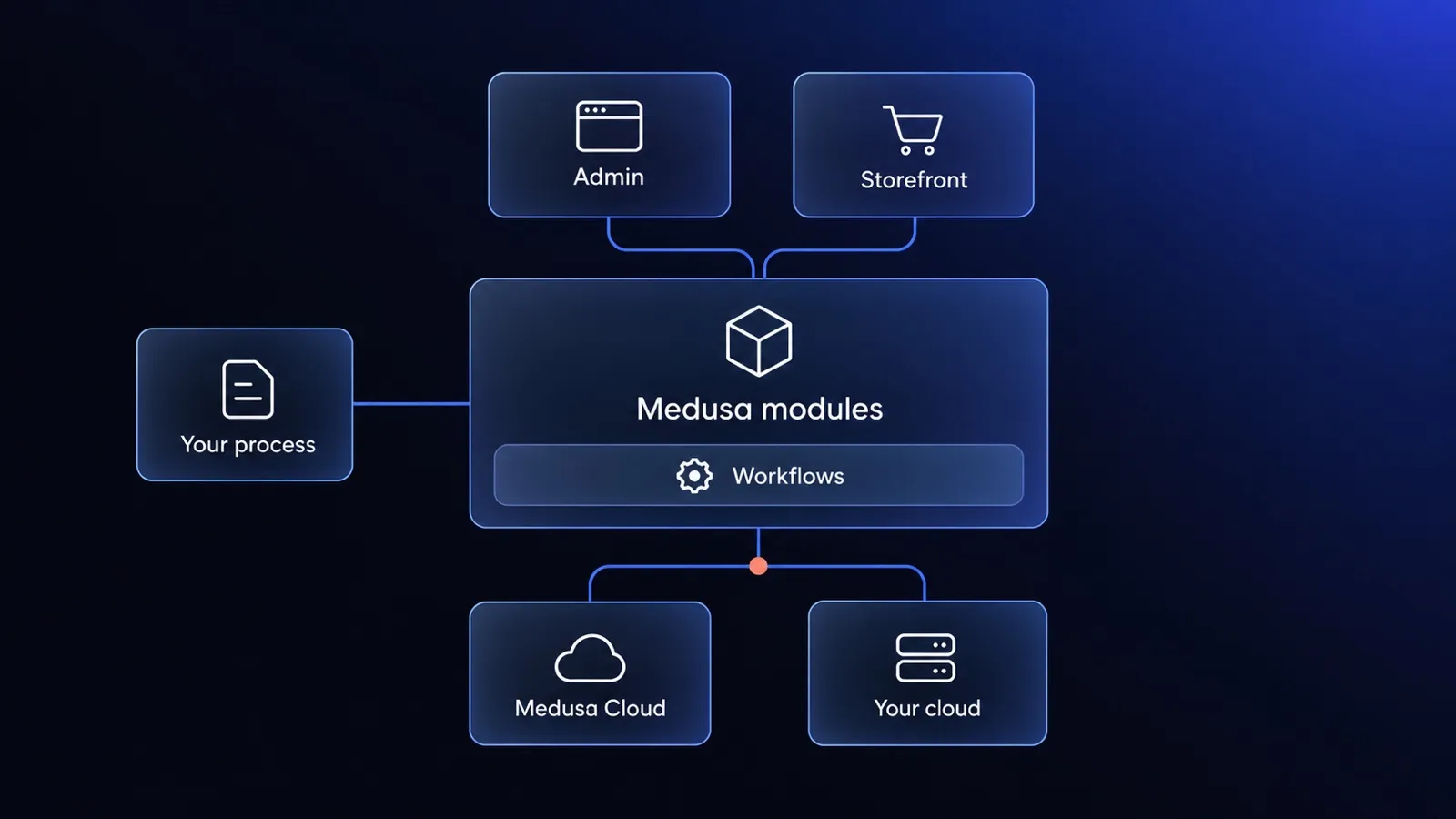
Medusa.js is an open-source commerce engine you build your store on. What v2 is, Medusa Cloud vs your own hosting, what it costs and when to skip it.
Ecommerce website cost in 2026: SaaS vs custom build, with real numbers
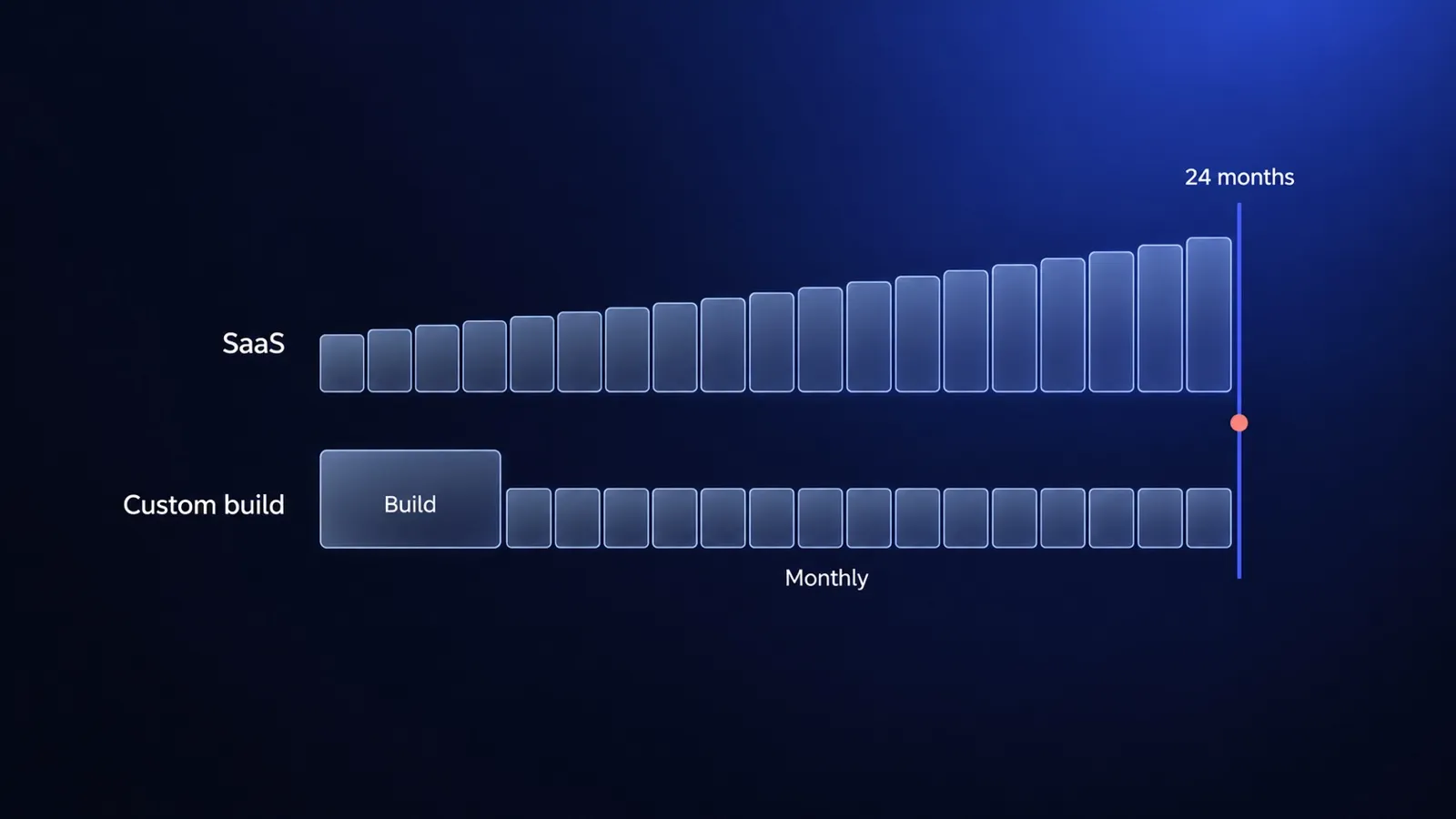
Ecommerce website cost in 2026, using published prices only: Shopify, BigCommerce and a custom build on Medusa compared over 24 months on the same scope.
Custom or off-the-shelf software? Calculate the cost of the whole operating model.
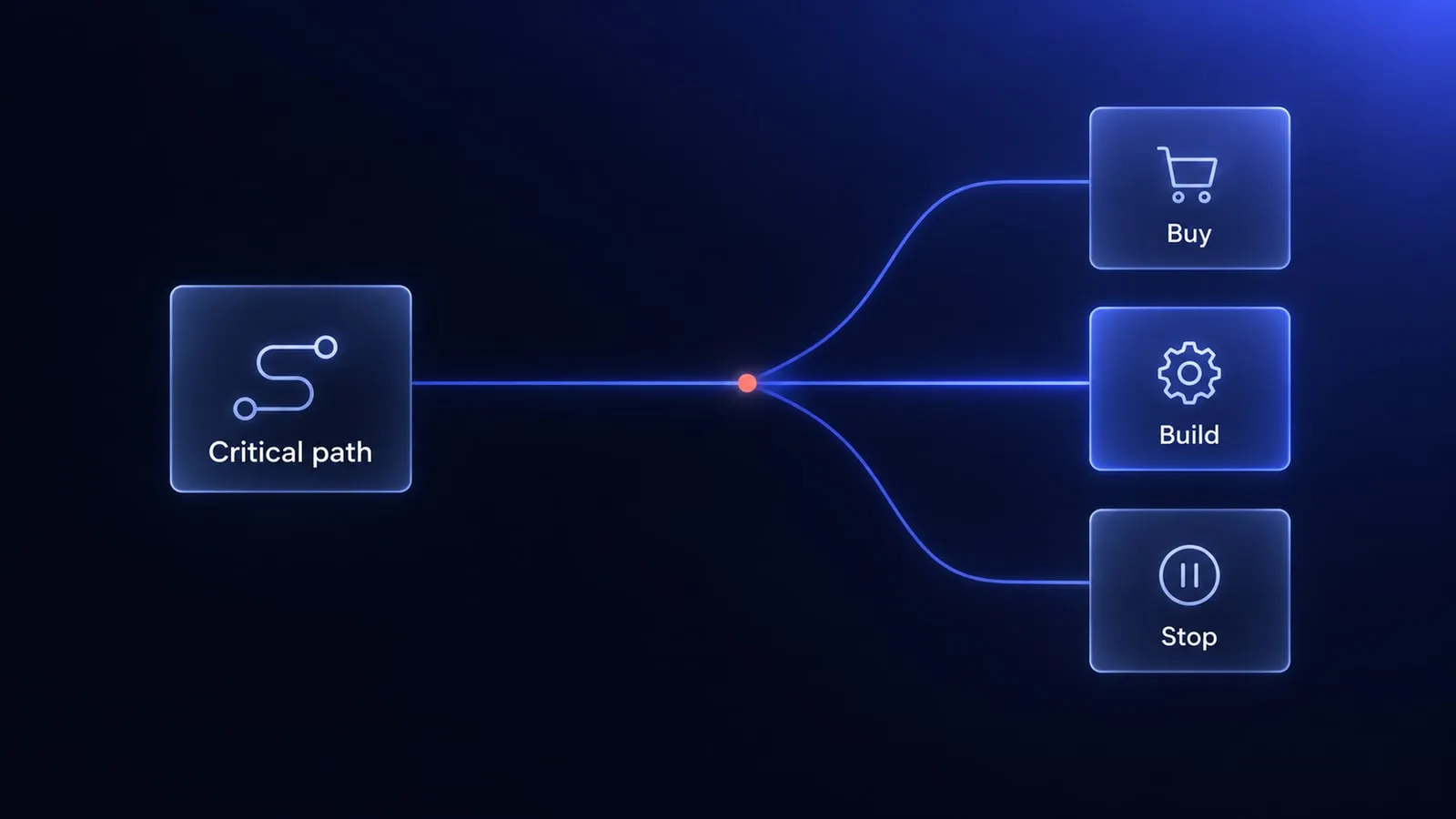
A practical custom versus off-the-shelf framework covering 24-month cost, process fit, integrations, risk and product advantage.


Questions after reading?
Tell us what the article leaves open for your company. We reply within one working day and prepare a hypothesis before any call.
A question about the article Something does not match your situation, or you want to check an assumption behind a number.
Your own problem Describe the sales process and where your current platform stops being enough.
The next step You are weighing custom, off-the-shelf or a migration and want a second opinion before you commit.