
CPQ software or a product configurator in your B2B store?
Your customers want a price for a product built to their specification, and today every request goes through a salesperson. Here is when a configurator in your B2B store answers it on its own, when configure, price, quote software is worth it, and what has to be ready before you build either.

Short answer
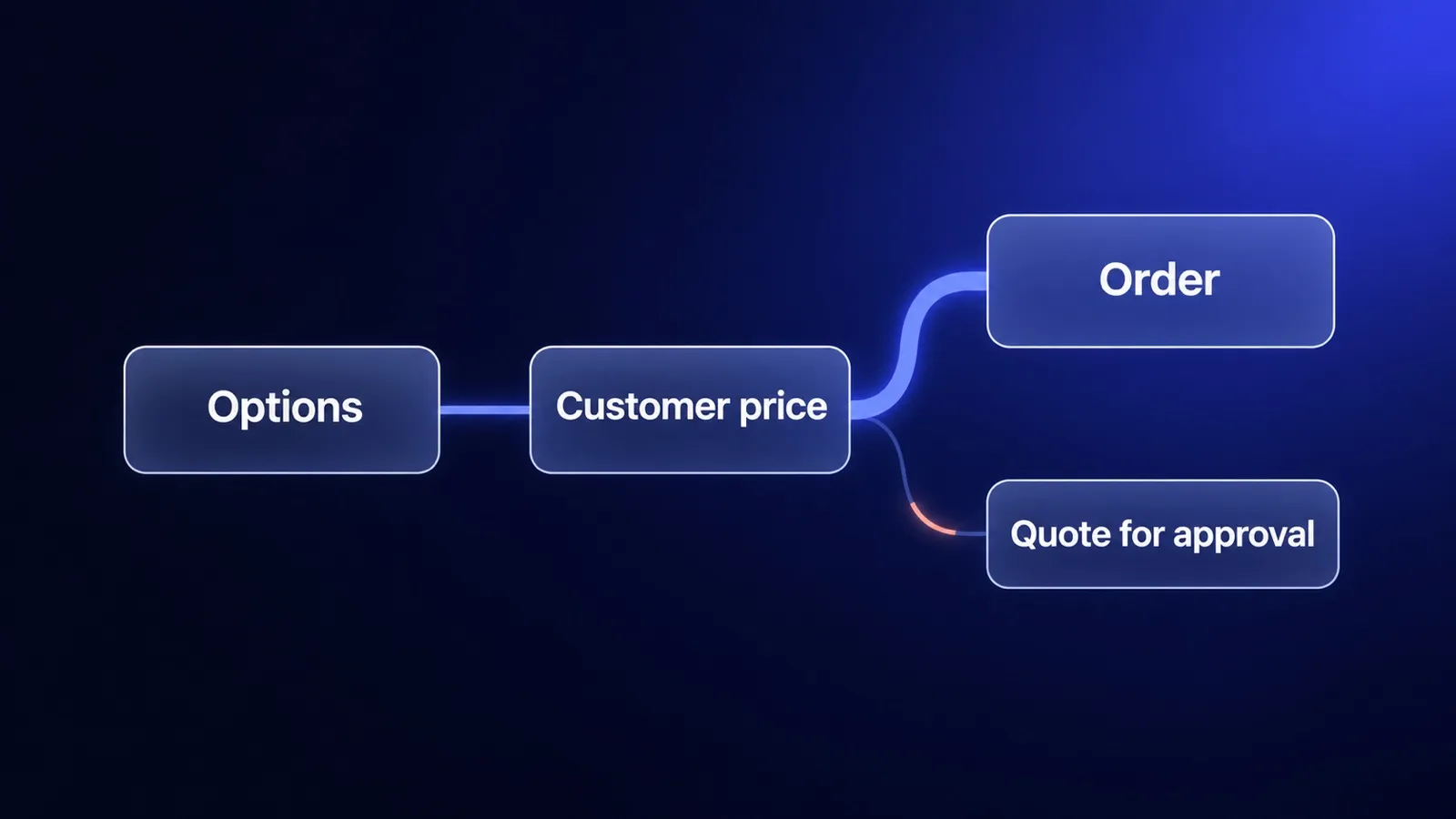
Start with a configurator inside your B2B store if your customers buy at their own price list, the options follow fixed rules and a finished configuration can go straight to an order. Buy separate CPQ software when most deals are negotiated by sales reps: discounts need approvals, quotes combine many products and services, and the quote turns into a contract. If customers already know the exact item and only reorder, you need neither: a fast reorder in a B2B portal solves it.
What is CPQ software?
CPQ software, short for configure, price, quote, helps a sales team build a valid product or bundle, apply pricing and discount rules, route the discount for approval and generate a quote document. Salesforce describes CPQ as software that helps sales teams configure products, apply pricing rules, manage discounts and approvals, and generate quotes (Salesforce, What is CPQ).
The three letters describe three steps:
- Configure. Choose the product, its options and accessories, and block combinations that cannot be built.
- Price. Calculate the price from list prices, option surcharges, volume and the customer’s discount, and check whether the discount needs approval.
- Quote. Produce a document the customer can accept, often with terms, validity and a signature, and pass the accepted quote to order processing.
The user of a CPQ tool is a salesperson, not the customer. That is the main difference from a configurator in a B2B store, and it decides which one you need.
What is a product configurator in a B2B store?
A product configurator in a B2B store is the customer-facing version of the first two CPQ steps: the buyer chooses options, the store checks which combinations are valid and shows the price for that buyer’s company. The result is an order, or a quote request with the complete configuration attached.
In practice, B2B stores use three kinds of configurators, and they solve different problems:
| Type | What the buyer does | What the store calculates | Typical product |
|---|---|---|---|
| Selection configurator | Answers a few questions to find the right item in a large catalog | Which existing products match | Technical components with many near-identical variants |
| Quantity calculator | Enters a measurement, such as an area or a length | How many units or packs to order, and the total | Building chemicals, flooring, cables |
| Build-to-order configurator | Assembles one product from options, such as size, material and finish | Whether the combination is valid, the price and the lead time | Furniture, windows, machines, switchboards |
We have built the first two. In the Rader case study the configurator narrows 3,494 products to 113 in four choices, using the same product fields that feed the filters and the product pages: product group, castor type, mounting, diameter, load capacity and wheel material. In the ImpregnatyBC case study a calculator on the product page turns the area to be treated into litres and packs, and adds the whole set to the cart; company buyers see their net prices and quantity tiers after logging in.
The third type, build-to-order, is where the question about CPQ usually comes up, because the price is no longer a number stored on a product.
Configurator in the store or CPQ: what is the difference?
A store configurator and CPQ software differ in who uses them, how the price is set and what comes out at the end. The table compares them on the points that decide the choice.
| Configurator in the B2B store | CPQ software | |
|---|---|---|
| Main user | The customer, logged in to a company account | The salesperson, sometimes a dealer |
| Price | Customer’s price list plus rule-based surcharges | List price plus negotiated discount, with approval levels |
| Output | Order, or a quote request with the configuration | Formal quote document, then a contract or an order |
| Approval | Usually none, or the customer’s internal approval | Internal discount approval at the supplier |
| Typical home | The store, connected to the ERP | Next to the CRM, connected to the ERP |
| Pays off when | Many repeat buyers order configurable products themselves | Few, large, negotiated deals per month |
Both need the same foundation: product rules and prices that match the ERP. The difference is where the decision about the final price is made. In the store, the rules decide. In CPQ, a person decides and the software keeps the decision within limits.
When is a configurator in the B2B store enough?
A configurator inside the B2B store is enough when the buyer can reach a correct price without negotiating. Signs that this is your situation:
- Each customer already has a price list or a fixed discount, kept in the ERP.
- Option surcharges follow rules you can write down: a size adds a fixed amount, a material changes the base price, a finish is a percentage.
- Most quote requests are repeats: the same customers ask for the same product families with different dimensions or options.
- Salespeople spend time retyping specifications, not negotiating. The value of their work is in checking the rules, and the rules can be checked by software.
- An order can go to production without a technical review, or the review is a short check, not a new design.
In that situation, a salesperson who quotes by email adds delay, not value. A configurator that ends in an order, or in a quote request with every field filled in, removes the retyping and keeps the salesperson for the cases that need them. This is the same logic we describe for retyped orders in our guide to a B2B customer portal.
When do you need separate CPQ software?
You need separate CPQ software when the price is the result of a negotiation that your company wants to control. Signs:
- Most deals involve a discount decided per deal, and larger discounts need a manager’s or a director’s approval.
- Quotes combine many things: several products, installation, service, training, maybe a maintenance contract.
- The sales cycle is long, with several quote versions per deal and a contract at the end.
- Dealers or partners quote on your behalf and need guardrails for their discounts.
- Subscriptions, renewals or usage-based fees are part of the price.
When CPQ is the wrong choice
- Customers buy at a known price list and only choose options. CPQ adds licences, a second system and an approval flow nobody needs.
- Nobody has written down the product rules. CPQ software does not invent rules; without them it becomes a form that a salesperson fills in exactly as before.
- The real problem is order entry, not quoting. If quotes are simple but orders are retyped into the ERP, fix the order flow first. Our guide to ERP and ecommerce shows where the data should live.
- You have a handful of large deals a year. A spreadsheet with clear rules and one approval step may be cheaper than any tool.
Where does the price of a configuration come from?
The price of a configuration usually comes from two places: the customer’s price list, which the ERP owns, and the surcharges for options, which come from product rules. The design decision is who calculates the final number.
There are two common ways:
- The store calculates. Customer price lists and option rules are synchronised from the ERP to the store, and the store calculates the price as the buyer clicks. This is fast and works offline from the ERP, but the rules exist in two places, so the synchronisation has to be reliable.
- The ERP calculates. For each finished configuration, the store asks the ERP for the price in real time. The ERP stays the only owner of the logic, but the configurator depends on the ERP’s response time and availability.
In a store built on Medusa, both ways are possible without a separate system. Medusa’s pricing module supports quantity tiers and price rules, for example a price that applies only to one customer group (Medusa, price tiers and rules). For prices calculated outside the store, Medusa documents adding cart lines with a custom price retrieved from a third-party system such as an ERP (Medusa, custom line item pricing). Medusa’s official B2B starter also includes quote management, where customer and merchant can negotiate a quote with messages (Medusa B2B Starter).
None of this decides the rules for you. Which surcharge applies to which option, and which discount a customer may get, is a business decision that has to be written down before anyone builds a configurator or buys CPQ.
What has to be ready before you build a configurator?
A configurator needs data that most manufacturers keep in spreadsheets, technical drawings and the heads of experienced salespeople. Before you build, collect five things for one product family:
- Options and their values. Every choice the buyer can make, with the allowed values: sizes, materials, colours, accessories.
- Combination rules. Which options exclude each other, which require each other, and which limits apply, for example a maximum width for a given material.
- Price logic. The base price, the surcharge for each option and how the customer’s discount applies. Write it as rules, not as a list of finished prices.
- Item codes in the ERP. Decide whether every configuration becomes a new item in the ERP, or one item with attributes. This decides how the order reaches production and how the invoice looks.
- Lead time and exceptions. Which configurations change the delivery date, and which always need a technical check by a person.
The fourth point is often the longest discussion, because it involves production and accounting, not only sales. It is also the point where the ERP B2B module versus a custom platform question comes back: a module of your ERP may already know your items, while a separate store has to map configurations to them.
How to scope the first version
Scope the first configurator for one product family, one customer group and one end of the process. A good first version:
- covers the product family with the most repeat quote requests, not the most complex one;
- shows the price from the customer’s own price list, so a logged-in buyer sees a number they can trust;
- ends in an order when the configuration is standard, and in a quote request when it hits an exception, with every field already filled in;
- sends the order to the ERP with the configuration in a form production can read.
If the B2B store does not exist yet, build it first: company accounts, customer prices and order flow are the foundation of every configurator. We build B2B stores on Medusa connected to the ERP, as described on our B2B ecommerce development page. Some customers will also want to order from their own procurement systems; that channel is covered in our guide to punchout catalogs.
Sources
- Salesforce, What is CPQ (configure, price, quote). Reviewed on 3 November 2026.
- Medusa documentation, Price tiers and rules and Implement custom line item pricing. Reviewed on 3 November 2026.
- Medusa, B2B Starter on GitHub. Reviewed on 3 November 2026.
Frequently asked questions
What is CPQ software?
CPQ stands for configure, price, quote. CPQ software helps a sales team assemble a valid product or bundle, apply list prices, discounts and approval rules, and produce a quote document. It is built for sales reps who negotiate deals, and it usually lives next to a CRM. A customer-facing configurator in a B2B store covers the first two steps for buyers who order on their own.
What is the difference between a product configurator and CPQ?
A product configurator lets someone choose options and checks which combinations are valid. CPQ adds pricing logic with discounts and approvals, and turns the result into a formal quote. In a B2B store the configurator usually ends in an order or a quote request, while CPQ ends in a negotiated quote that a sales rep sends and the customer signs.
Can a B2B ecommerce store replace CPQ?
For many manufacturers, yes, when customers buy at their own price list, options follow fixed rules and the order goes straight to production. A store cannot replace CPQ when most deals are negotiated, discounts need several approval levels, quotes mix products, services and contracts, or renewals and subscriptions are part of the deal.
Where does the price in a configurator come from?
Usually from two places: the customer's price list, which the ERP owns, and surcharges for options, which come from product rules. The store can calculate the price itself from synchronised price lists and rules, or ask the ERP for each configuration in real time. Pick one owner of the price logic, otherwise the store and the ERP will disagree.
Keep reading
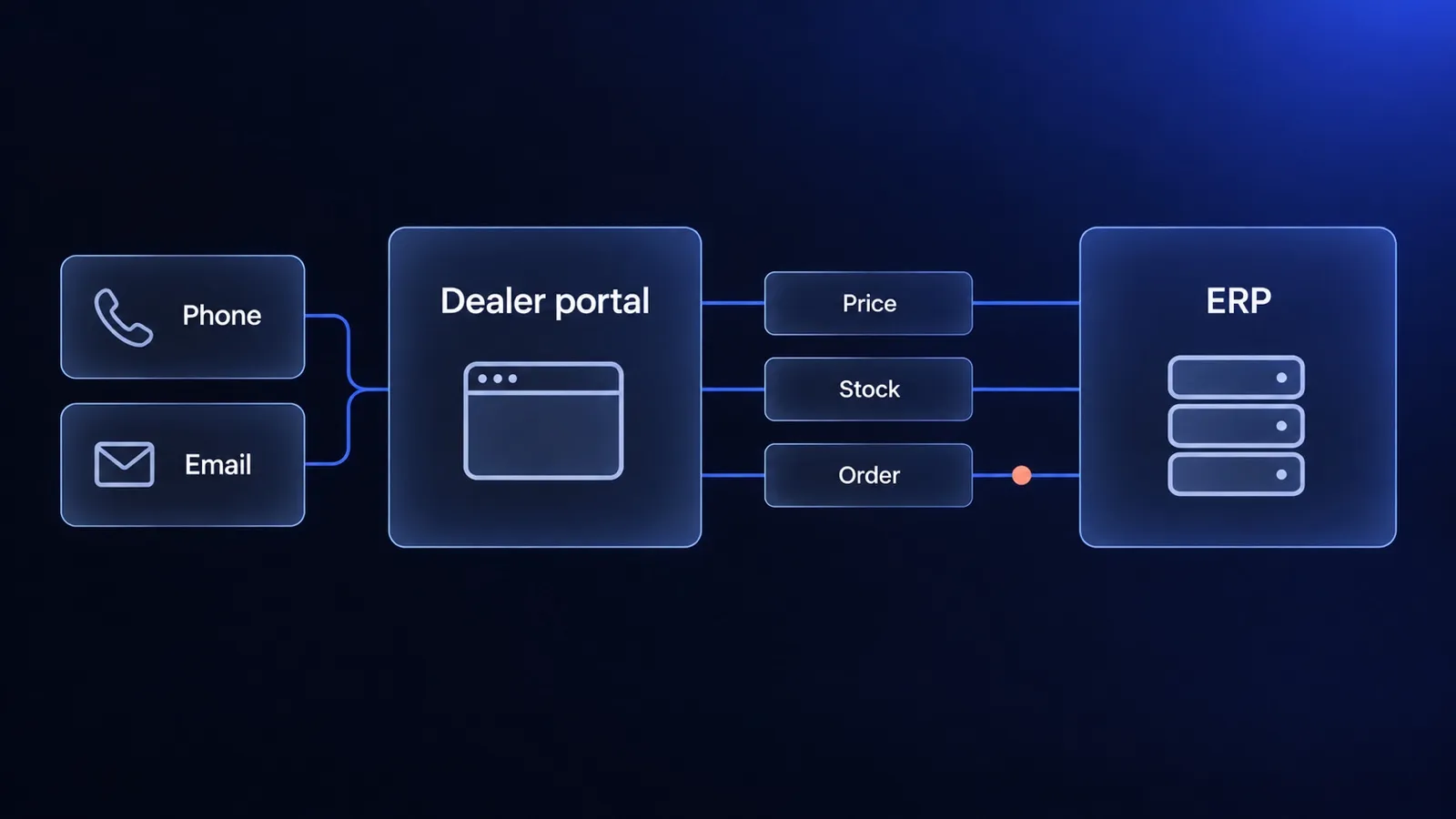
B2B customer portal for a dealer network: what to launch first and where the data comes from
B2B customer portal for a dealer network: the questions it must answer, the data the ERP owns, when punchout matters and how to launch in stages.
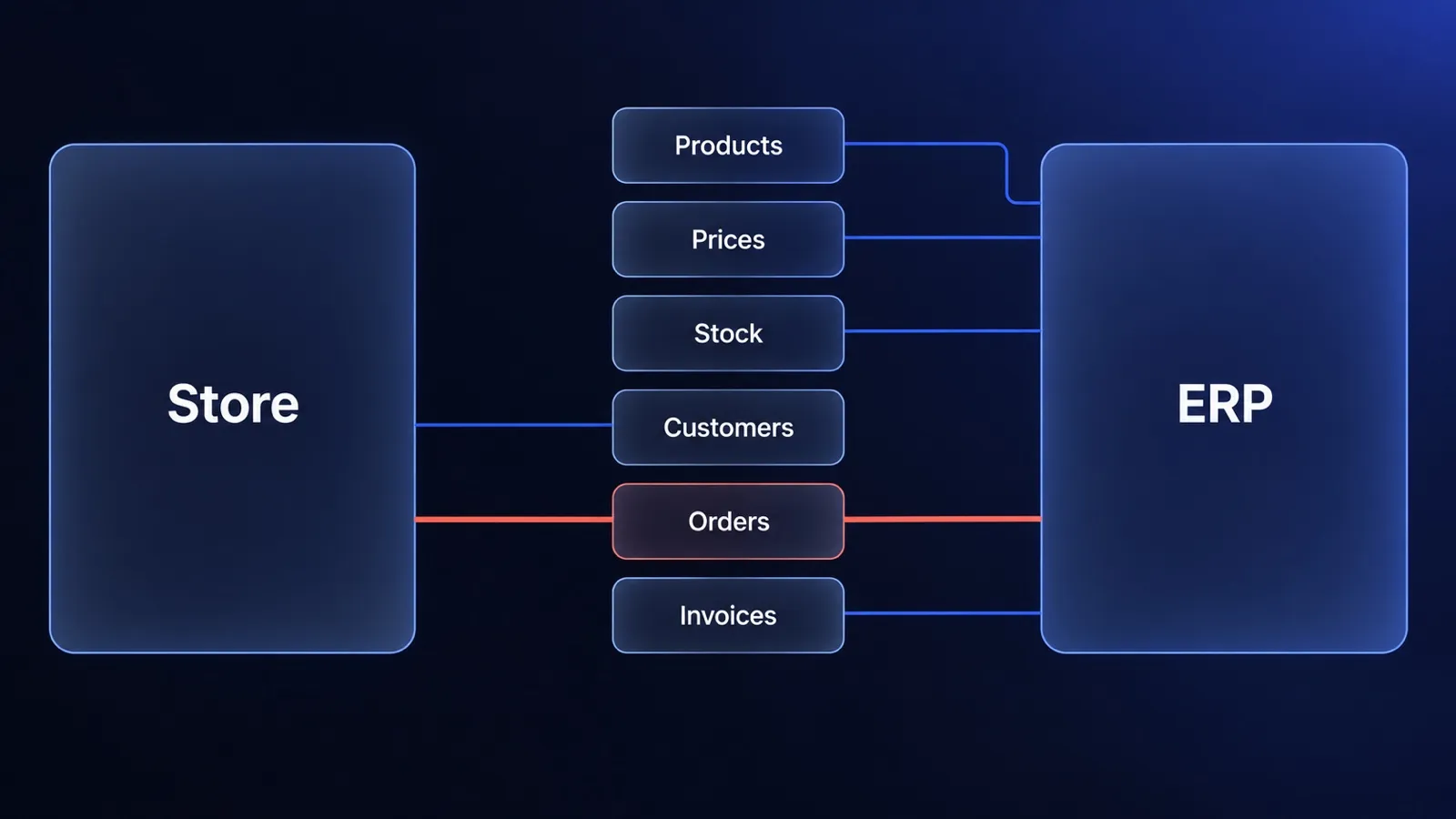
ERP and ecommerce: who owns which data, and how to connect the two
ERP ecommerce guide for decision makers: which system owns products, prices, stock and orders, three integration patterns, cost drivers and when to wait.
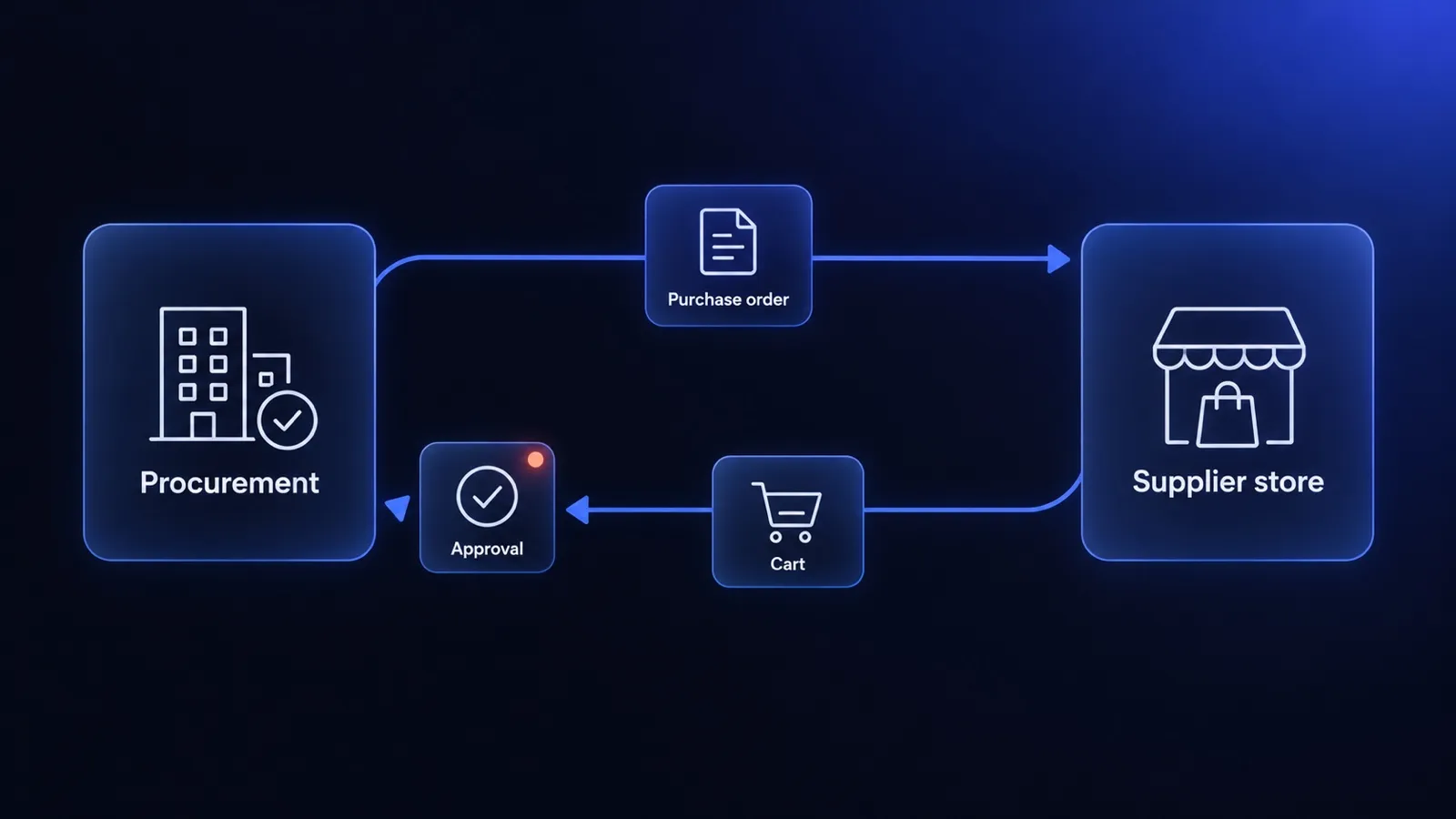
Punchout catalog or B2B portal: when a supplier should build punchout
What a punchout catalog is, how cXML and OCI punchout work, what the supplier has to build and when a B2B portal or a static catalog is the better answer.


Questions after reading?
Tell us what the article leaves open for your company. We reply within one working day and prepare a hypothesis before any call.
A question about the article Something does not match your situation, or you want to check an assumption behind a number.
Your own problem Describe the sales process and where your current platform stops being enough.
The next step You are weighing custom, off-the-shelf or a migration and want a second opinion before you commit.