
Sales order automation for distributors: email orders into the ERP, approved by a person
Customers keep sending orders as emails, PDFs and spreadsheets, and someone on your team keeps typing them into the ERP. Here is what your ERP vendor already offers, where AI with a person approving fits, what has to match before an order is saved, and how to start with one inbox.

Short answer
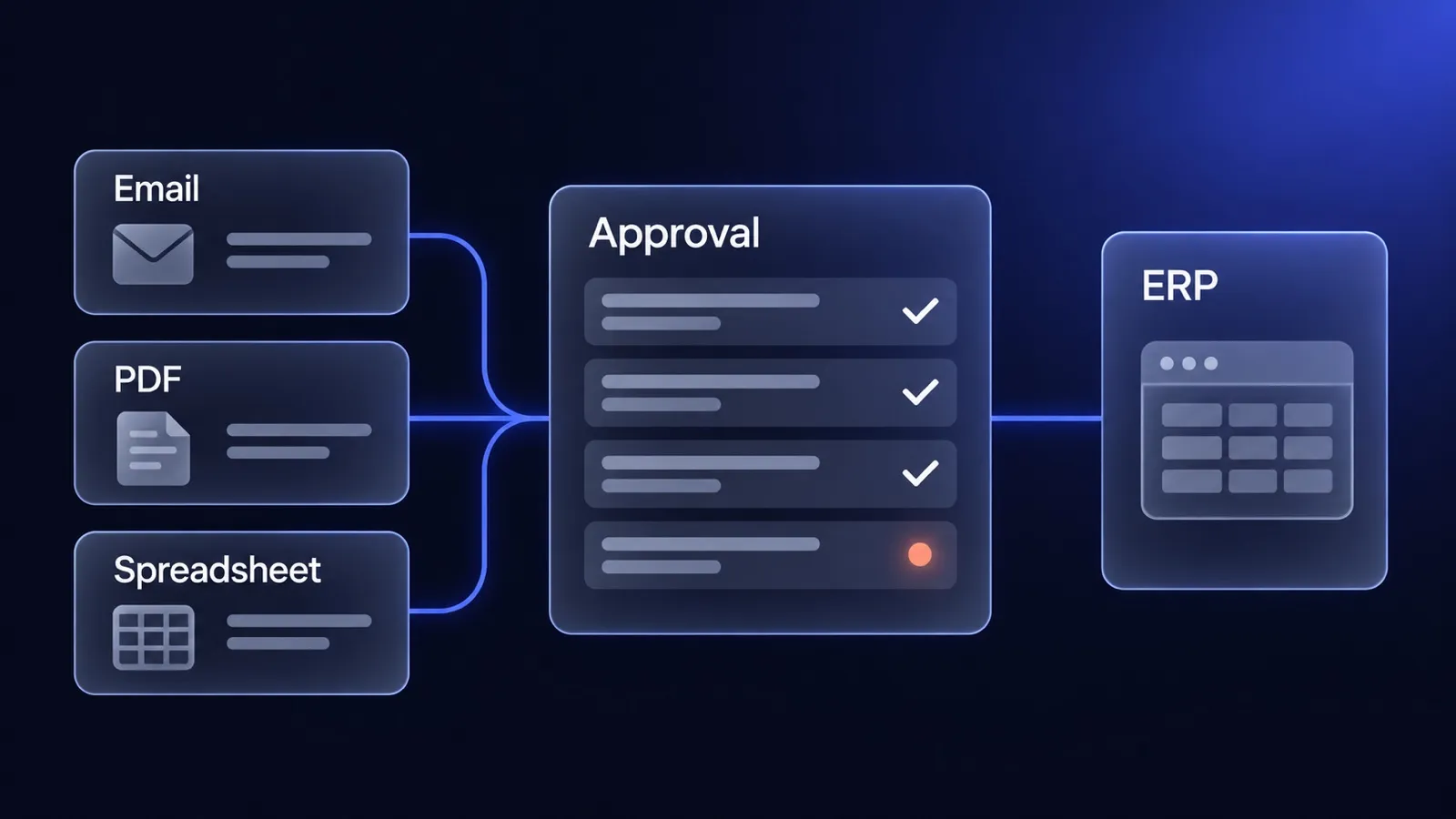
Sales order automation works for distributors when AI prepares each order from the email, PDF or spreadsheet and a person approves it in one screen before it is saved in the ERP. Reading the document is the easy part. The real work is matching the customer, the ship-to address, and the customer’s own product codes and units to your item master. Check what your ERP already includes first, then start with one inbox and one customer group, and measure the time per order and the share of orders approved without corrections.
What is sales order automation?
Sales order automation is software that turns a customer’s order, in whatever form it arrives, into a sales order in your ERP without someone typing it line by line. For a distributor, that form is usually an email body, a PDF purchase order exported from the customer’s own system, a spreadsheet, or a photo of a handwritten list. The software reads the document, finds the customer and the items in your ERP, and prepares the sales order.
Vendors sell three different things under the name. EDI and B2B portals capture orders as structured data from the start, so nothing needs reading. Document capture tools (OCR and intelligent document processing, or IDP) read fields from files. AI order processing reads free text as well as files and proposes a complete order for someone to check. This guide covers the last two: the orders that still arrive as documents.
Why do distributors still retype orders?
Distributors still retype orders because their customers choose how to order, and many choose email. A long-standing customer sends a list in the email body every week. A buyer at a manufacturer exports a PDF from their own ERP with their part numbers, not yours. A contractor sends a spreadsheet, or a photo of a list from site. A B2B customer portal or a punchout catalog moves some of these customers to structured ordering, but rarely all of them.
On the other side of the inbox, an order entry clerk opens the email, looks up the customer, works out which ship-to address applies, translates each description into your item number, checks the unit and the price, and types the lines. Manual order entry costs time that grows with volume, and it costs mistakes: a wrong item code or quantity comes back as a correction, a return and a call from the customer.
What do NetSuite, SAP Business One, Business Central and Odoo include?
Before you buy anything, check what your ERP vendor already ships. We read each vendor’s own documentation on 26 November 2026. Editions, regions and licences change, so confirm the details against your own contract.
Microsoft Dynamics 365 Business Central
Business Central has the most complete built-in answer. According to Microsoft’s Sales Order Agent overview, the agent monitors a designated mailbox, reads the subject, the body and, if configured, PDF, PNG and JPG attachments, finds the customer, checks availability and prepares a sales quote. It always creates a quote first and can be configured to convert it straight into an order. Designated users review every outgoing message before it reaches the customer, and the agent is billed in Copilot Credits.
Two details in Microsoft’s documentation matter for distributors. The Sales Order Agent identifies the customer only by matching the sender’s email address to the E-Mail field on contact cards, so an order forwarded by a sales rep needs a person to pick the customer. And the processing guide lists units of measure among the reliability issues: quantities may need correcting when non-base units differ from the standard ones. The agent matches items by item number, vendor item number, GTIN and item references before it falls back to attributes and fuzzy search, so clean item references pay off.
Oracle NetSuite
NetSuite does not document an email-to-sales-order agent comparable to the one in Business Central. The Electronic Invoicing inbound email capture accepts customer sales orders sent by email in XML format, which suits customers who can send structured files. Ask Oracle, the AI assistant in NetSuite Next, can draft records from documents and conversations, for example a sales order with the status Pending Approval, but Oracle says NetSuite Next is reaching customers in phases. For PDFs and free-text emails at volume, NetSuite customers usually look at partner add-ons or a separate service.
SAP Business One
We found no built-in feature in SAP’s Business One materials that reads customer orders from email. SAP describes AI extraction of customer purchase orders into sales orders for SAP S/4HANA Cloud, which is a different product. In SAP Business One, an external service creates sales orders through the Service Layer, SAP’s REST and OData API for Business One data. Add-ons and custom solutions built on the Service Layer are the usual route for Business One users.
Odoo
Odoo’s Sales app turns a structured purchase order into a sales order. The EDI purchase-to-sales order import lets a seller upload a UBL XML file from the buyer’s Odoo database to the Quotations dashboard, and Odoo fills in the customer, the lines, the quantities and the prices. The Odoo 20 release notes add that AI agents can create and update records, including from an uploaded file such as a PDF, and can be triggered by automated and scheduled actions, and that all AI features need credits. Odoo documents its document digitization for vendor bills and invoices, not for customer orders.
Template OCR, the ERP’s agent or AI with approval: how do they compare?
The real decision is rarely whether to automate. It is which kind of tool fits the way your orders actually arrive.
| Leave it manual | Template OCR or IDP add-on | The ERP’s built-in agent | AI with approval in one screen | |
|---|---|---|---|---|
| Reads | Everything, by hand | Files, often set up per document layout | What the vendor documents (Business Central: body, PDF, PNG, JPG) | Email body, PDF, spreadsheet, photo |
| Matches items by | The clerk’s memory | Codes printed on the document | The vendor’s rules on your item data | Codes, descriptions, units and the customer’s order history, with your rules |
| Who checks | The clerk | Whoever handles exceptions | Review steps set by the vendor | One approver sees the customer’s text next to the ERP lines |
| What customers notice | Nothing | Nothing | The agent can email quotes and confirmations after review | Nothing |
| Fits best | A few orders a day | Few customers with stable PDF layouts | Clean master data, and the agent covers your formats | Many customers, mixed formats, the customer’s own product names |
If your ERP’s built-in agent handles your real emails, use it. Test it on last month’s orders rather than on the vendor’s demo, and count how often a person had to step in. AI with approval earns its place when orders arrive in the email body or as spreadsheets and photos, when customers use their own names instead of your item codes, or when your ERP has no native option at all. Leaving order entry manual is a valid result when the volume is low.
What has to match before an order reaches the ERP?
An order is correct only when six things match your ERP, and reading the PDF solves none of them on its own:
- Customer. The sender’s address, an order forwarded by a sales rep or a buyer’s personal mailbox all have to resolve to one customer account. A customer group with several companies needs a rule.
- Ship-to address. Many customers have several delivery addresses. “Deliver to the Leeds site” has to become the right ship-to code.
- Item codes. Customers write their own part numbers, your old codes, a manufacturer’s code or a description like “same seals as last time”. Each one has to become one item from your item master, or a clear question to the approver.
- Units of measure. “12 boxes” against an item stocked in single pieces, or metres against rolls. A wrong unit is the error most likely to pass a quick visual check.
- Prices. The ERP calculates the customer’s price. When the customer’s purchase order states a different price, the approver should see the difference instead of having it silently overwritten.
- Delivery dates and references. The requested date, the customer’s PO number and notes like “we will collect” belong in the order fields your warehouse and invoicing read.
The approval screen exists for these six checks. The approver sees what the customer wrote next to what will be saved, with uncertain lines marked, and approves or corrects the order. A good setup learns from those corrections, so the next time the same customer writes “seals 160”, the match is already known. Which system owns customers, items and prices in the first place is a question we cover in ERP and ecommerce.
How to start: one inbox, one week
- Pick one inbox and one customer group. For example the branch inbox that receives the most orders, or your twenty most frequent email customers.
- Collect 50 recent orders from that inbox, with attachments, and sort them by form: email body, PDF, spreadsheet, photo. Mark the ones that use the customer’s own names instead of your item codes.
- Check what your ERP allows. An external service must be able to create a sales order and read customers, ship-to addresses, items, item references and prices. Some vendors offer that access only in a higher edition or under a separate licence.
- Test your ERP’s own tool first if it has one, on the same 50 orders.
- Agree one success measure before go-live, for example the share of orders approved without corrections.
- Go live on real orders with one approver, and leave the rest of the order desk as it is.
What to measure
Measure from the first day, so the decision after a month rests on numbers rather than impressions:
- Minutes per order, from opening the email to the saved sales order, before and after. Time five typical orders entered by hand first, to get a baseline.
- Correction rate: the share of orders the approver had to change, and which field changed: customer, item, unit, price or date.
- Email-to-ERP time: how long an order waits before it exists in the ERP, which decides when the warehouse can pick it.
- Exceptions: orders the tool could not prepare at all, grouped by reason.
The correction rate tells you more than any accuracy figure from a vendor. If corrections cluster on one field, such as units, the fix is usually in your master data rather than in the AI.
When is sales order automation the wrong choice?
- Only a few orders arrive by email each day. Retyping them costs less than any tool and the approval routine around it.
- EDI already carries most of the volume. Automate the remainder only if it is large enough to matter.
- Customers already order through a B2B portal. Put the effort into moving the last email customers there.
- The item master is chaotic. Duplicate items, missing units and no item references leave the AI nothing reliable to match against. Clean the master data first.
- Customers send clean PDFs with your item codes. A cheaper capture tool or your ERP’s own feature may be enough.
- Most orders come by phone. Phone orders are a separate process, so start with them instead of email.
How we do it
We deploy sales order automation around the ERP as a production solution on your live documents, not as a demo. At Rader, a supplier of wheels and castors, orders that arrive by email go into Comarch ERP XL, and at ImpregnatyBC they go into Comarch ERP Optima. In both companies nobody retypes them from the email into the ERP. The Rader and ImpregnatyBC case studies describe both projects.
Every deployment starts with a free Discovery. We talk to the person who enters orders today, look at a sample of real emails with the hard cases included, check what your ERP lets an external service read and write, and agree a success measure with you. You get the scope, a fixed price and a go-live date in writing, or a straight answer that your ERP vendor’s tool is the cheaper route. For Business Central, SAP Business One, NetSuite and other systems, Discovery checks that the ERP lets an external service create a document and exposes the item and customer master data.
A week after the scope is signed and access is in place, the first solution runs in production: one mailbox, matching to your item master, an approval panel for your team and the approved order saved in the ERP. Your employee approves every order. If the solution does not reach the agreed success measure within 30 days of go-live, we refund the whole implementation fee. The details are on the ERP automation page.
Frequently asked questions
How much does sales order automation software cost?
It depends on the route. ERP-native AI is usually billed by usage: Microsoft bills the Business Central Sales Order Agent in Copilot Credits, and Odoo 20 needs credits for all AI features. Add-ons and custom solutions usually combine a setup fee with a subscription. Compare offers on the same scope: how many inboxes and formats, whether saving to the ERP is included, and who pays for changes after an ERP upgrade.
Is sales order automation the same as EDI?
No. EDI exchanges orders as structured messages agreed with each trading partner, so nothing has to be read or interpreted. Sales order automation handles the orders that arrive as documents: emails, PDFs, spreadsheets and photos. Many distributors need both, because large accounts connect by EDI while smaller customers keep emailing. Both routes should end in the same kind of sales order in the ERP.
Can AI enter orders into the ERP without anyone checking them?
Technically yes, but starting that way adds risk you do not need. Begin with a person approving every order and track the correction rate per customer. Once a customer's orders pass without changes for several weeks, your company can decide to let those through with spot checks. That threshold should come from your own numbers, not from a vendor's accuracy claim.
Can sales order automation handle phone orders?
Yes, as a separate process. AI writes the order down from a recorded call and matches the lines to your item master, and an employee approves the entry in the ERP. It needs call recording at your switchboard and the callers' consent, so the recording method, the scope and the price are agreed in Discovery. You can start with phone orders or with email.
Keep reading
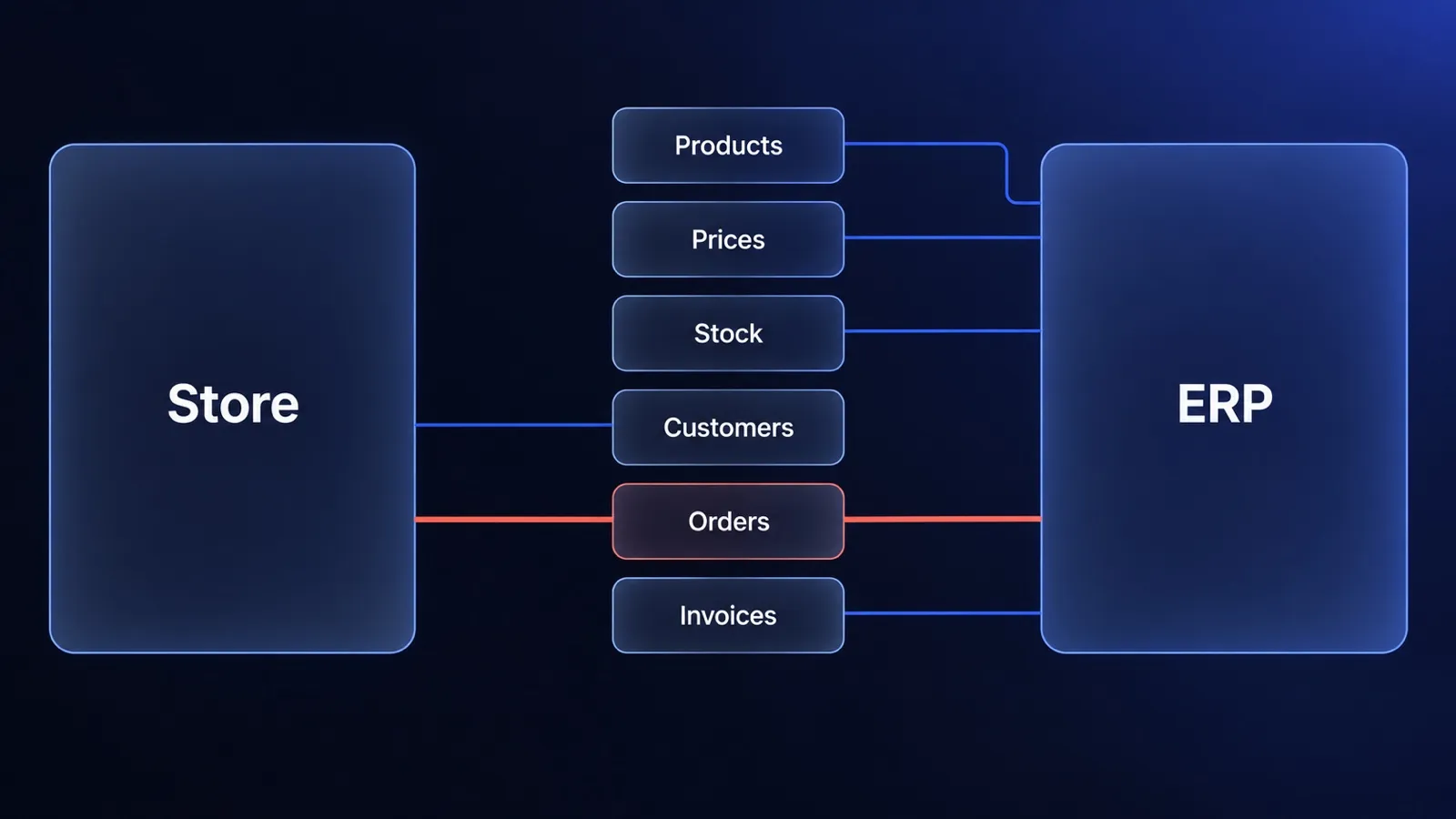
ERP and ecommerce: who owns which data, and how to connect the two
ERP ecommerce guide for decision makers: which system owns products, prices, stock and orders, three integration patterns, cost drivers and when to wait.
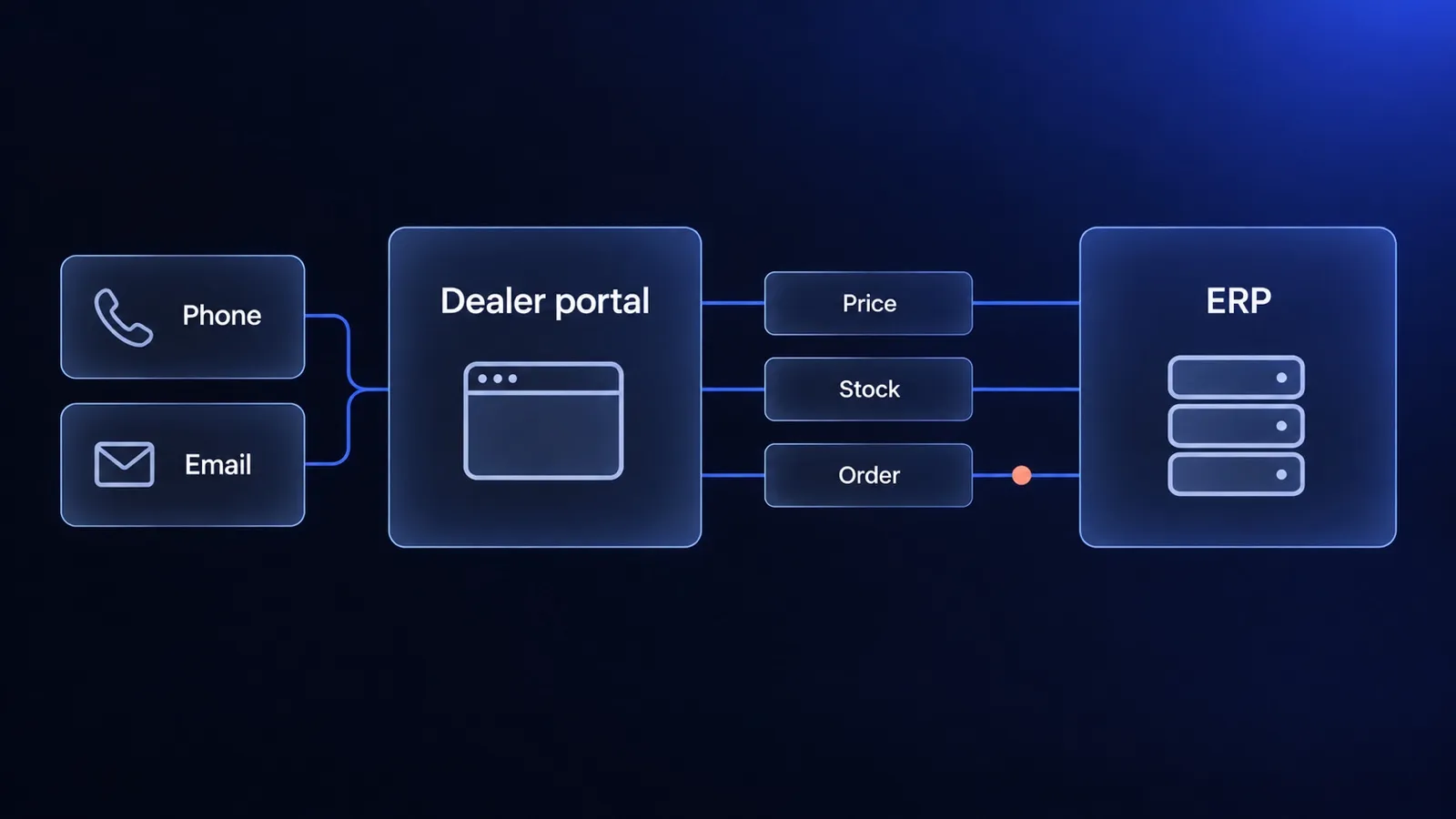
B2B customer portal for a dealer network: what to launch first and where the data comes from
B2B customer portal for a dealer network: the questions it must answer, the data the ERP owns, when punchout matters and how to launch in stages.
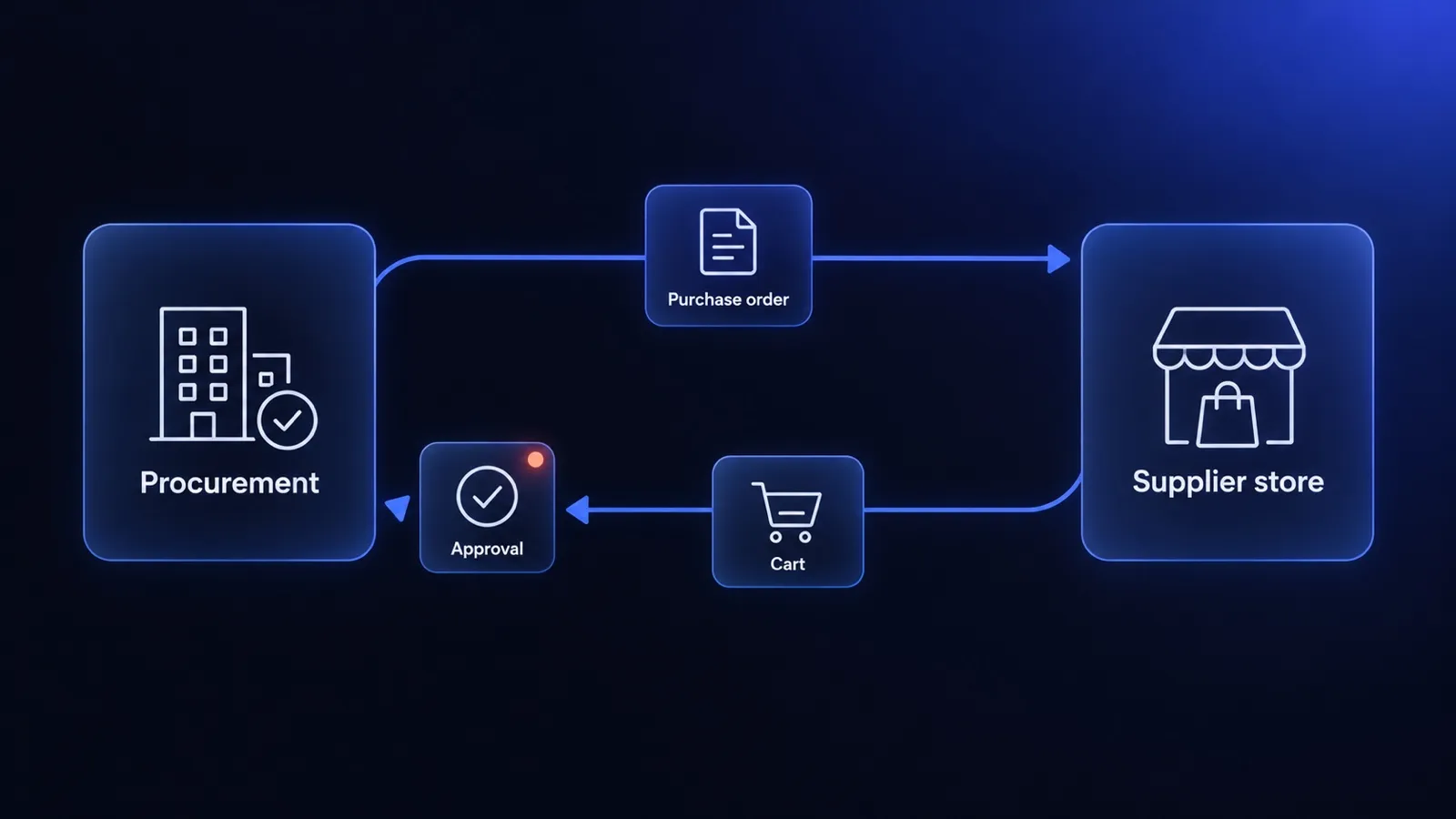
Punchout catalog or B2B portal: when a supplier should build punchout
What a punchout catalog is, how cXML and OCI punchout work, what the supplier has to build and when a B2B portal or a static catalog is the better answer.


Questions after reading?
Tell us what the article leaves open for your company. We reply within one working day and prepare a hypothesis before any call.
A question about the article Something does not match your situation, or you want to check an assumption behind a number.
Your own problem Describe the sales process and where your current platform stops being enough.
The next step You are weighing custom, off-the-shelf or a migration and want a second opinion before you commit.